


Call me stupid...Posting a picture????


Thread Starter
|
Member
Joined: Dec 2007
Posts: 54
Likes: 0
Call me stupid...Posting a picture????
I still haven't figured out how to post a picture on this site All I have figured out is how to post a link from the gallery.
Can someone explain this process to me? I click on the lcon for "Insert Image" and it gives me a box to add a link. (http:\\..........)
Help!
All I have figured out is how to post a link from the gallery. Can someone explain this process to me? I click on the lcon for "Insert Image" and it gives me a box to add a link. (http:\\..........)
Help!

Thread Starter
|
Member
Joined: Dec 2007
Posts: 54
Likes: 0
When I "right click" the image I get "Copy"...I don't have a "copy image location". When I copy, it will not allow me to paste in the pop-up box. Paste is "grayed" out. Am I missing something really simple??
I am clicking the the Yellow Square icon, called "Insert Image"
I am clicking the the Yellow Square icon, called "Insert Image"
Last edited by ryanws; Jan 1, 2008 at 12:09 PM.

Senior Member
Joined: Jan 2000
Posts: 2,075
Likes: 1
From: Central Florida
He meant that you need to go find a picture on the internet or in your gallery (if you have one). When you right-click on the image your should get an option to Copy Image Location in Firefox. In IE you need to right-click and then go to Properties. Highlight the link address, copy then paste.
I found your gallery here https://www.f150online.com/galleries...cfm?gnum=10930
Go into your profile under "User CP" in the black bar up top. Click on "Edit Profile" and enter code 10930 at the bottom of your profile. People will see a camera icon on every post. When they click on that it will take then right to your gallery.
When you go into one of your albums and click on a picture you have a link to the right of each picture named "Forum Codes". You can just copy and paste that address (the top one).

I found your gallery here https://www.f150online.com/galleries...cfm?gnum=10930
Go into your profile under "User CP" in the black bar up top. Click on "Edit Profile" and enter code 10930 at the bottom of your profile. People will see a camera icon on every post. When they click on that it will take then right to your gallery.
When you go into one of your albums and click on a picture you have a link to the right of each picture named "Forum Codes". You can just copy and paste that address (the top one).
Last edited by BlueFlareside; Jan 1, 2008 at 03:22 PM.

Senior Member


Joined: Apr 2004
Posts: 13,679
Likes: 84
From: missing Texas...

Thread Starter
|
Member
Joined: Dec 2007
Posts: 54
Likes: 0
Trending Topics
Senior Member
Joined: Jan 2000
Posts: 2,075
Likes: 1
From: Central Florida
You got it! It is not that difficult if the pic is in your gallery. See the post after my previous one to see how to do it.
Just one more reason why I use Firefox. It is easier all around.
Just one more reason why I use Firefox. It is easier all around.
Senior Member
Joined: Apr 2004
Posts: 13,679
Likes: 84
From: missing Texas...
Originally Posted by MOford21
I've never figured this out either..So if you have Internet Explorer-- right click>properties>copy "Address URL">paste into a post Is that right??
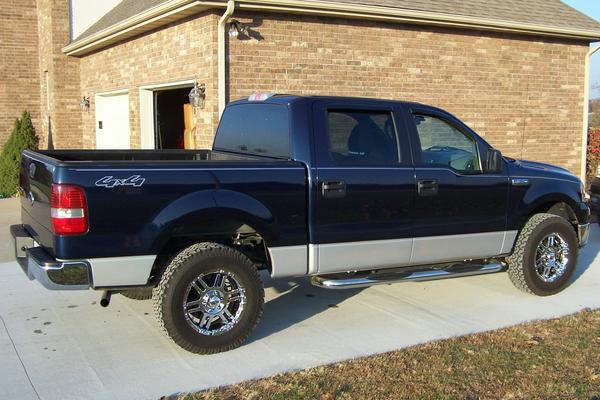
follow the link above

Senior Member
Joined: Apr 2004
Posts: 217
Likes: 0
From: Littleton, Colorado
ryanws:
You probably have all of the info you need but here is more. Copy and paste it to a Word file and then you won't forget how to do these pix. We all forget if we don't post pix very often. Instruction are from others who helped me at this site. These are their quotes.
F-150 Site and tips on posting pictures
1. Click on photo galleries and create a photo album for yourself under your forum name.
2. You can then upload photos to the album, which anyone can look at. To add photos, etc. to your own album though, you need to log in.
3. When you want to add a photo to a post click on the photo you want to show, then click on “Forum Codes” (At the bottom of the photo)
4. A window will appear giving you the choice of 2 codes ….copy and paste the one you want into the body of your post…and, voila, when you submit the post it will appear.
5. Note that it only appears as the actual photo after you submit. If anything is wrong you can always go back and edit.
Additional information:
1. You have to put your pics into you photo gallery. If you don’t have one…make one.
2. Once you have a gallery with albums, view the album where the pictures is and click on it.
3. There will be a highlighted link called “Forum Codes” in the lower right corner…click that.
4. A dialog box will come up and then copy/paste that long code (which ever, Full or Thumbnait) into your message. Pretty simple.
Go into your profile under "User CP" in the black bar up top. Click on "Edit Profile" and enter code 10930 at the bottom of your profile. People will see a camera icon on every post. When they click on that it will take then right to your gallery.
Mert
You probably have all of the info you need but here is more. Copy and paste it to a Word file and then you won't forget how to do these pix. We all forget if we don't post pix very often. Instruction are from others who helped me at this site. These are their quotes.
F-150 Site and tips on posting pictures
1. Click on photo galleries and create a photo album for yourself under your forum name.
2. You can then upload photos to the album, which anyone can look at. To add photos, etc. to your own album though, you need to log in.
3. When you want to add a photo to a post click on the photo you want to show, then click on “Forum Codes” (At the bottom of the photo)
4. A window will appear giving you the choice of 2 codes ….copy and paste the one you want into the body of your post…and, voila, when you submit the post it will appear.
5. Note that it only appears as the actual photo after you submit. If anything is wrong you can always go back and edit.
Additional information:
1. You have to put your pics into you photo gallery. If you don’t have one…make one.
2. Once you have a gallery with albums, view the album where the pictures is and click on it.
3. There will be a highlighted link called “Forum Codes” in the lower right corner…click that.
4. A dialog box will come up and then copy/paste that long code (which ever, Full or Thumbnait) into your message. Pretty simple.
Go into your profile under "User CP" in the black bar up top. Click on "Edit Profile" and enter code 10930 at the bottom of your profile. People will see a camera icon on every post. When they click on that it will take then right to your gallery.
Mert

Member
Joined: Sep 2007
Posts: 67
Likes: 0
From: Spring Hill, KS
Originally Posted by Merton Leeper
ryanws:
You probably have all of the info you need but here is more. Copy and paste it to a Word file and then you won't forget how to do these pix. We all forget if we don't post pix very often. Instruction are from others who helped me at this site. These are their quotes.
F-150 Site and tips on posting pictures
1. Click on photo galleries and create a photo album for yourself under your forum name.
2. You can then upload photos to the album, which anyone can look at. To add photos, etc. to your own album though, you need to log in.
3. When you want to add a photo to a post click on the photo you want to show, then click on “Forum Codes” (At the bottom of the photo)
4. A window will appear giving you the choice of 2 codes ….copy and paste the one you want into the body of your post…and, voila, when you submit the post it will appear.
5. Note that it only appears as the actual photo after you submit. If anything is wrong you can always go back and edit.
Additional information:
1. You have to put your pics into you photo gallery. If you don’t have one…make one.
2. Once you have a gallery with albums, view the album where the pictures is and click on it.
3. There will be a highlighted link called “Forum Codes” in the lower right corner…click that.
4. A dialog box will come up and then copy/paste that long code (which ever, Full or Thumbnait) into your message. Pretty simple.
Go into your profile under "User CP" in the black bar up top. Click on "Edit Profile" and enter code 10930 at the bottom of your profile. People will see a camera icon on every post. When they click on that it will take then right to your gallery.
Mert
You probably have all of the info you need but here is more. Copy and paste it to a Word file and then you won't forget how to do these pix. We all forget if we don't post pix very often. Instruction are from others who helped me at this site. These are their quotes.
F-150 Site and tips on posting pictures
1. Click on photo galleries and create a photo album for yourself under your forum name.
2. You can then upload photos to the album, which anyone can look at. To add photos, etc. to your own album though, you need to log in.
3. When you want to add a photo to a post click on the photo you want to show, then click on “Forum Codes” (At the bottom of the photo)
4. A window will appear giving you the choice of 2 codes ….copy and paste the one you want into the body of your post…and, voila, when you submit the post it will appear.
5. Note that it only appears as the actual photo after you submit. If anything is wrong you can always go back and edit.
Additional information:
1. You have to put your pics into you photo gallery. If you don’t have one…make one.
2. Once you have a gallery with albums, view the album where the pictures is and click on it.
3. There will be a highlighted link called “Forum Codes” in the lower right corner…click that.
4. A dialog box will come up and then copy/paste that long code (which ever, Full or Thumbnait) into your message. Pretty simple.
Go into your profile under "User CP" in the black bar up top. Click on "Edit Profile" and enter code 10930 at the bottom of your profile. People will see a camera icon on every post. When they click on that it will take then right to your gallery.
Mert
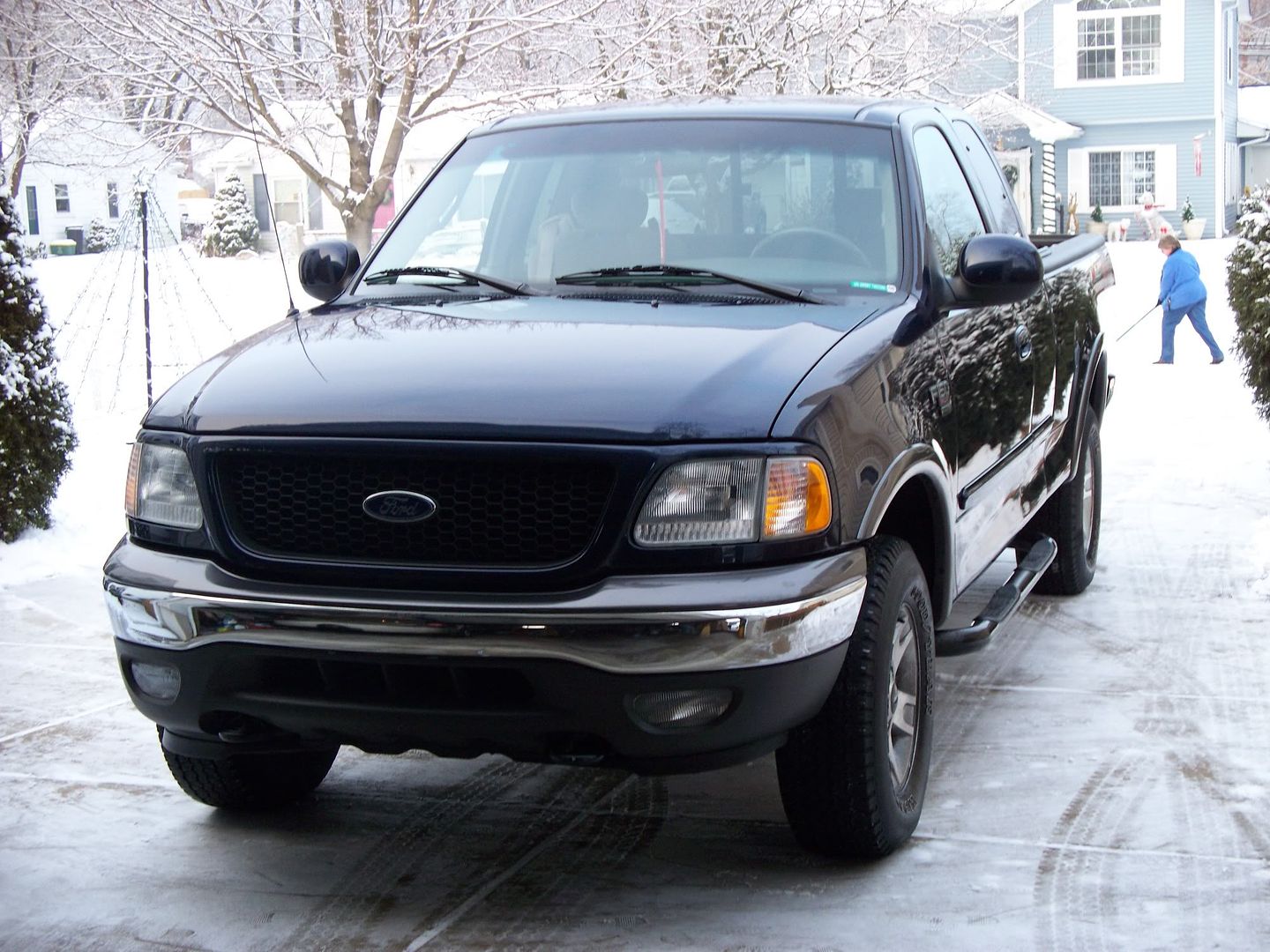
 I believe I have it figured out!



Member
Joined: Mar 2004
Posts: 54
Likes: 0

