photoshop help!

Thread Tools
 
Search this Thread
 
Old Aug 29, 2007 | 03:44 PM
  #1  
KiCk aSs FX4's Avatar
Thread Starter
|
Senior Member
Joined: Nov 2004
Posts: 3,397
Likes: 0
From: San Diego, CA
photoshop help!

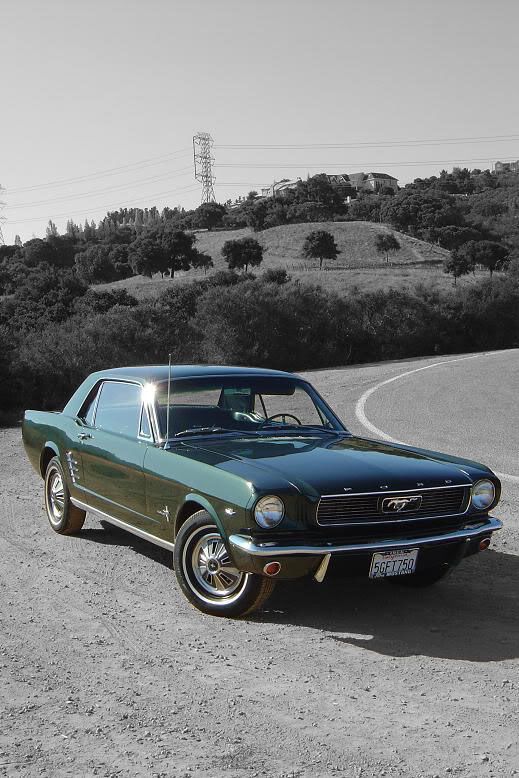
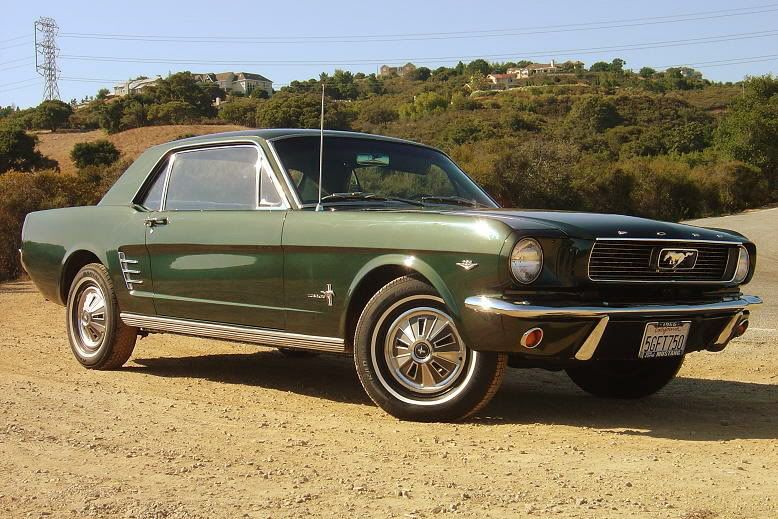
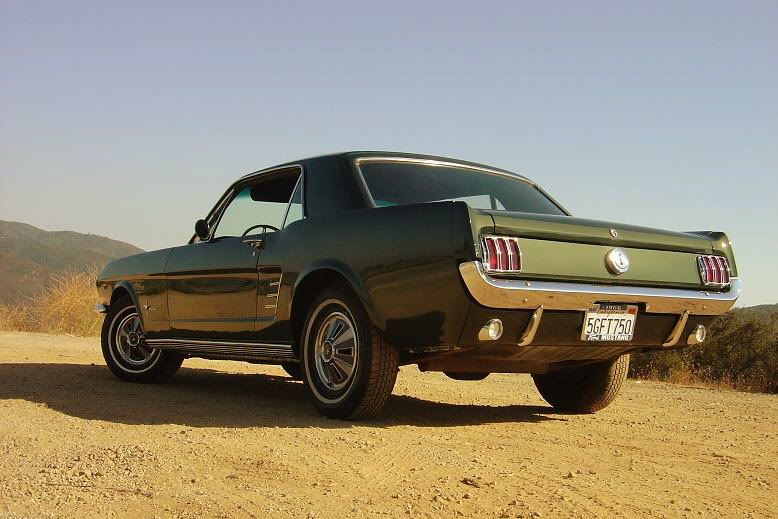
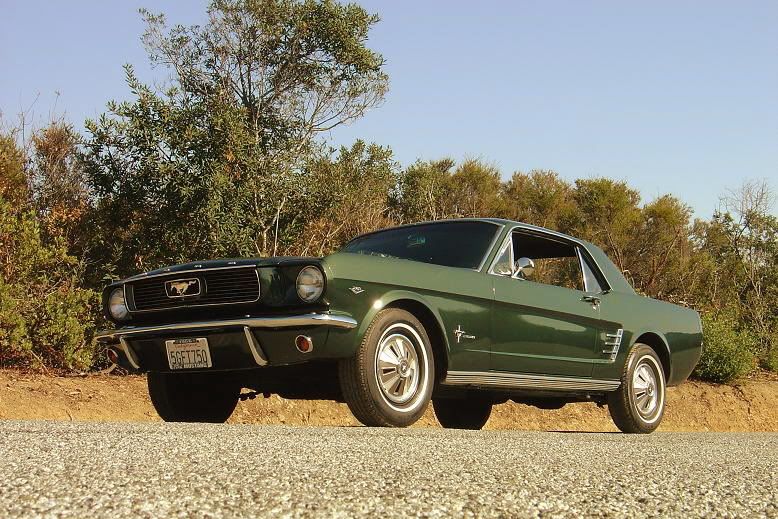
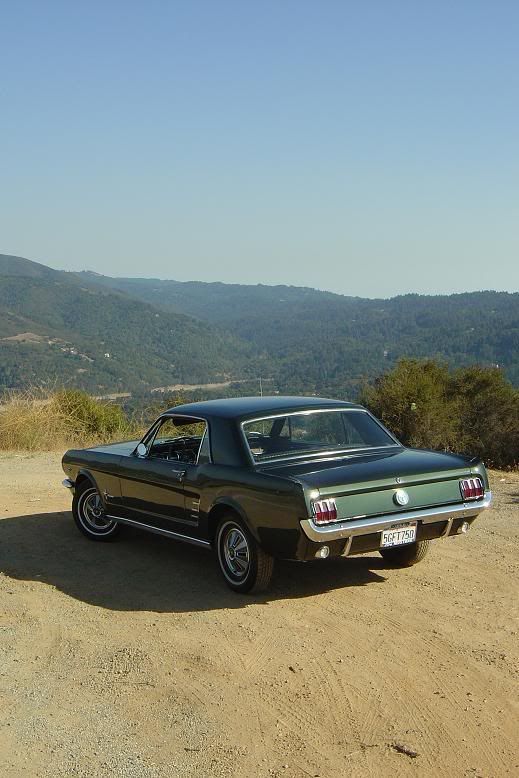
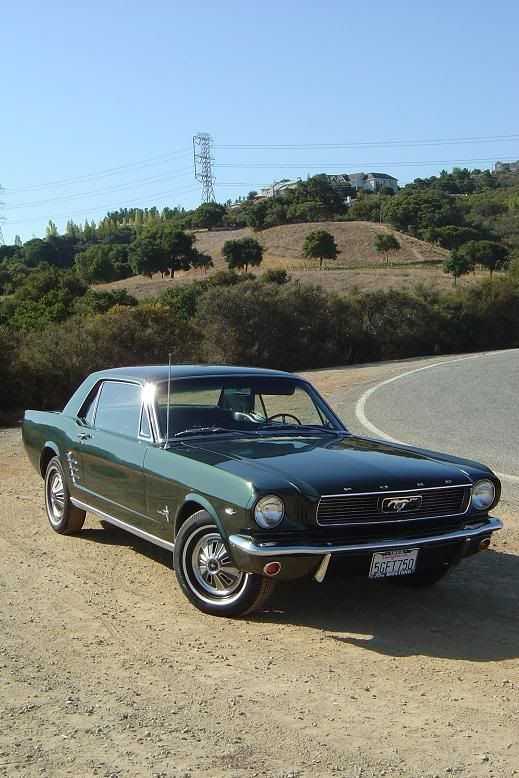
Could someone make this picture black and white except keep the car in color? and could you tell me how you did it? any help would be appreciated.
thanks
 

Last edited by KiCk aSs FX4; Aug 29, 2007 at 03:47 PM.
Reply
Old Aug 29, 2007 | 04:15 PM
  #2  
crash_lucky13's Avatar
Senior Member
Joined: Jul 2005
Posts: 1,463
Likes: 0
From: off the path in Louisiana
something like this? just a quick job not the best

 
Reply
Old Aug 29, 2007 | 04:19 PM
  #3  
jamzwayne's Avatar
Senior Member
Joined: Mar 2004
Posts: 1,336
Likes: 1
From: Your moms house
^DATS Friggin sweeet.
 
Reply
Old Aug 29, 2007 | 04:20 PM
  #4  
KiCk aSs FX4's Avatar
Thread Starter
|
Senior Member
Joined: Nov 2004
Posts: 3,397
Likes: 0
From: San Diego, CA
thats perfect! thanks!
how did you do it?
 
Reply
Old Aug 29, 2007 | 04:20 PM
  #5  
Patman's Avatar
Global Moderator &
Senior Member
20 Year Member
Joined: Aug 2005
Posts: 21,337
Likes: 158
From: DFW
just lasso the car, layer cut, then select the layer that you want, then turn the color saturation down to 0%
 
Reply
Old Aug 29, 2007 | 04:27 PM
  #6  
KiCk aSs FX4's Avatar
Thread Starter
|
Senior Member
Joined: Nov 2004
Posts: 3,397
Likes: 0
From: San Diego, CA
Originally Posted by Patman03SprCrw
just lasso the car, layer cut, then select the layer that you want, then turn the color saturation down to 0%
is that on photoshop or illustrator?
 
Reply
Old Aug 29, 2007 | 04:29 PM
  #7  
Patman's Avatar
Global Moderator &
Senior Member
20 Year Member
Joined: Aug 2005
Posts: 21,337
Likes: 158
From: DFW
photoshop
 
Reply

Trending Topics

Old Aug 29, 2007 | 04:30 PM
  #8  
jamzwayne's Avatar
Senior Member
Joined: Mar 2004
Posts: 1,336
Likes: 1
From: Your moms house
Originally Posted by Patman03SprCrw
just lasso the car, layer cut, then select the layer that you want, then turn the color saturation down to 0%

Google has a pretty easy tool:

http://picasa.google.com/

Some good stuff here too:

http://portableapps.com/
 

Last edited by jamzwayne; Aug 29, 2007 at 04:35 PM.
Reply
Old Aug 29, 2007 | 04:37 PM
  #9  
styxnpicks's Avatar
Senior Member
Joined: Jan 2006
Posts: 3,700
Likes: 0
From: my apartment


much better
 
Reply
Old Aug 29, 2007 | 04:55 PM
  #10  
crash_lucky13's Avatar
Senior Member
Joined: Jul 2005
Posts: 1,463
Likes: 0
From: off the path in Louisiana
if you have the new photoshop, it's easier than that, just select, layer, convert to black white copy
 
Reply
Old Aug 29, 2007 | 05:53 PM
  #11  
Photog95's Avatar
Member
Joined: Sep 2005
Posts: 66
Likes: 0
From: Wisconsin
Here is a little different twist on it. I got a little carried away with the green but it adds to the aged look.


Reply
Old Aug 29, 2007 | 06:21 PM
  #12  
Net Wurker's Avatar
Senior Member
Joined: Oct 2004
Posts: 406
Likes: 0
From: The Internet
another theme...

 
Reply
Old Aug 29, 2007 | 07:25 PM
  #13  
KiCk aSs FX4's Avatar
Thread Starter
|
Senior Member
Joined: Nov 2004
Posts: 3,397
Likes: 0
From: San Diego, CA
thanks a lot guys all those definitely look good I have to try to do that myself now.
 
Reply
Old Aug 29, 2007 | 07:32 PM
  #14  
KiCk aSs FX4's Avatar
Thread Starter
|
Senior Member
Joined: Nov 2004
Posts: 3,397
Likes: 0
From: San Diego, CA
anyone want to screw around with any of these pics for me? I like that black and white background and color car style.


Reply
Old Aug 30, 2007 | 08:53 PM
  #15  
PSS-Mag's Avatar
Senior Member
Joined: Dec 2004
Posts: 891
Likes: 1
From: Lost some where in the middle of the Ozark Mountains!
Originally Posted by Patman03SprCrw
just lasso the car, layer cut, then select the layer that you want, then turn the color saturation down to 0%
Or select the layer, and hit shft+ctrl+u
Or the long way, (Image>Adjustments>Desaturate)
 
Reply


All times are GMT -4. The time now is 07:57 AM.