


How do you post jpegs


Senior Member
Joined: May 2003
Posts: 455
Likes: 0
From: Almont,Michigan

Moderator &
Senior Member
Senior Member
Joined: Jan 2002
Posts: 31,440
Likes: 4
From: The Bluegrass State
Fordman... I replied to you in the questions about the site forum.
You need to get the address for the picture... not for the page that you're trying to post.
To obtain that, you need to put your mouse over the pic that you want to post, right click, go down and choose properties, that will reveal another screen...
From that screen, highlight and copy the URL... THAT is the www address that you want to put in the [img] brackets.
Other than that, it's exactly correct.
RP
You need to get the address for the picture... not for the page that you're trying to post.
To obtain that, you need to put your mouse over the pic that you want to post, right click, go down and choose properties, that will reveal another screen...
From that screen, highlight and copy the URL... THAT is the www address that you want to put in the [img] brackets.
Other than that, it's exactly correct.
RP
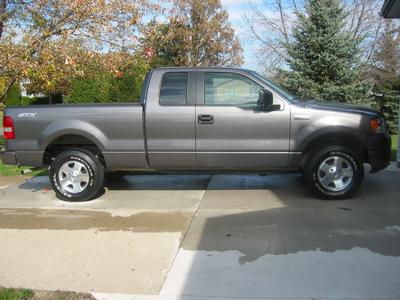 testing
