


Posting pics


Thread Starter
|
Senior Member
Joined: May 2005
Posts: 706
Likes: 0
From: Arkansas
Posting pics
I've been sitting here for 40 freaking mins trying to figure out how to post pics and get them to show up without having to click on the link  . I've searched and searched and tried stuff and tried some more stuff but cant do it. This is what I have been doing, [IMG]
 [/IMG] and it wont work. Someone please tell me the correct way to do this or i'm just gonna shoot my computer.

 . someone please tell me step by step how to do this. It's just not fair . I am not completely computer illiterate but i'm not a computer genius either so dont get mad at me for asking a question that has been asked over and over and over. I just can't do it.
. I've searched and searched and tried stuff and tried some more stuff but cant do it. This is what I have been doing, [IMG] . someone please tell me step by step how to do this. It's just not fair . I am not completely computer illiterate but i'm not a computer genius either so dont get mad at me for asking a question that has been asked over and over and over. I just can't do it.

Senior Member


Joined: Aug 2002
Posts: 705
Likes: 42
Let's see if this works, then I'll try to explain it.
Here's the line I used, substituting the (,) for the [,]
edit: I went to your gallery, and then looked for the tiny red box that contains (forum codes). I opened it, and I copied the line for large image and then pasted it here:
(img)https://www.f150online.com/galleries...9410.jpeg(/img)
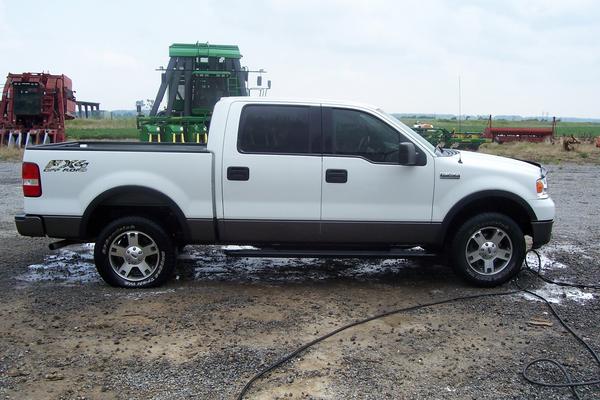
Here's the line I used, substituting the (,) for the [,]
edit: I went to your gallery, and then looked for the tiny red box that contains (forum codes). I opened it, and I copied the line for large image and then pasted it here:
(img)https://www.f150online.com/galleries...9410.jpeg(/img)
Last edited by serotta; Jul 15, 2005 at 08:14 PM.


Senior Member
Joined: Nov 2004
Posts: 1,376
Likes: 2
You're trying to link the entire web page where your picture is located, instead of just the image. Go back to your gallery and pull up a picture you want to post. Look to the bottom right and click the little link titled 'forum codes'. That will give you a pop-up with the correct code, just copy and paste the code.
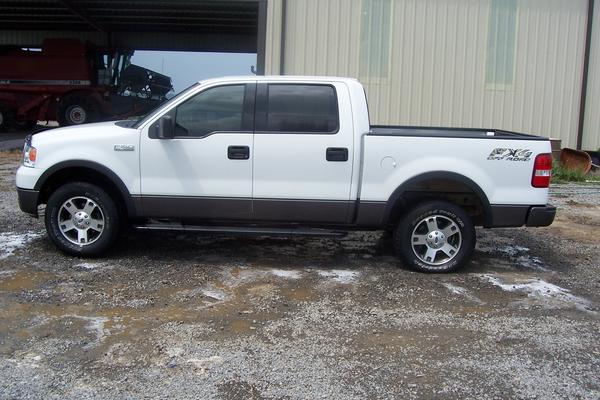 [/IMG]

Senior Member
Joined: Nov 2004
Posts: 434
Likes: 1
From: Colorado
I'm dyslexic, so I do things different. It might work for you.
Open up your gallery on a seperate window, open the photo you want to post, and right click on it. Select properties, and then highlight the photo's address in full. Now hit Ctrl+C. Go back to the window your making a post in, and click this button. It will bring up the image window. Place your cursor in the text box and then hit Ctrl+V.
This will place the image in your post when you click the ok button.
Repeat as much as needed, and you will get the hang of it.
Good luck.
Open up your gallery on a seperate window, open the photo you want to post, and right click on it. Select properties, and then highlight the photo's address in full. Now hit Ctrl+C. Go back to the window your making a post in, and click this button.
It will bring up the image window. Place your cursor in the text box and then hit Ctrl+V. This will place the image in your post when you click the ok button.
Repeat as much as needed, and you will get the hang of it.
Good luck.
Thread Starter
|
Senior Member
Joined: May 2005
Posts: 706
Likes: 0
From: Arkansas
Thanks guys, I really feel stupid but it's not the first time  . And RP sorry about putting it in the general forum but i've never noticed this forum before. you guys dont know how much I appreciate this.
. And RP sorry about putting it in the general forum but i've never noticed this forum before. you guys dont know how much I appreciate this.


 cruisen 'n style

