How to post pics, help!!!


Thread Starter
|
Senior Member
Joined: Feb 2006
Posts: 3,762
Likes: 0
From: Windsor, Ont.
How to post pics, help!!!
A couple of guys want to see some things and I don't know how to post pics, either a link to click on or to display under a message. The pics come from my documents and were from the digital camera. Maybe a stupid question, but needing answers- newish to computers and still learning. Also, want to post some in my profile, but at a later date. Thanks in advance.

Member
Joined: Jan 2006
Posts: 56
Likes: 0
From: Lewistown/ Bozeman, MT
when i do it i go the the picture in my gallery, because i think the picture has to be posted online, and i right click it and go to properties and copy the the url off of it. then i click the insert image thing and paste the url in the blank and it should automatically put it on the message. when it is put it in it will show the url with [IMG] one each end of it. after you get it in i would recommend previewing the post to see if it worked.
or you could just go on photobucket and set up a profile and put in an album and just take the tag part code and that would work too. this is way less work if you ask me. i just posted the other way in another post so i just copied and pasted it into here.
<a href="http://photobucket.com" target="_blank"><img src="http://i62.photobucket.com/albums/h87/ttoxsp/HPIM0206.jpg" border="0" alt="Image hosting by Photobucket"></a>
HOPE THIS HELPS YA!
or you could just go on photobucket and set up a profile and put in an album and just take the tag part code and that would work too. this is way less work if you ask me. i just posted the other way in another post so i just copied and pasted it into here.
<a href="http://photobucket.com" target="_blank"><img src="http://i62.photobucket.com/albums/h87/ttoxsp/HPIM0206.jpg" border="0" alt="Image hosting by Photobucket"></a>
HOPE THIS HELPS YA!

Senior Member
Joined: Jul 2004
Posts: 621
Likes: 1
From: SoCal & Lake Havasu, AZ
Save your pictures from your camera to your computer.
Set up a gallery here at F150 online.
Follow the instructions to add picture to your gallery. You simply browse your pc and click on the pic to add it.
Once the pic is in your gallery, open the picture from your gallery. On the bottom you will see a link called "forum codes" Click that and it will give you a link, big or little. Copy that and paste it into your thread or reply!
Set up a gallery here at F150 online.
Follow the instructions to add picture to your gallery. You simply browse your pc and click on the pic to add it.
Once the pic is in your gallery, open the picture from your gallery. On the bottom you will see a link called "forum codes" Click that and it will give you a link, big or little. Copy that and paste it into your thread or reply!
Thread Starter
|
Senior Member
Joined: Feb 2006
Posts: 3,762
Likes: 0
From: Windsor, Ont.
K, made a gallery so far just efan pics but can't figure out how to post in a message like this, either a big pic or a link. I'll keep tryin', made the gallery so if you want to see, look up my sign in name.

Senior Member
Joined: Aug 2005
Posts: 117
Likes: 0
From: Galveston, Texas
I can help you.......This is simple as I can make it 
To post a decent pic, you need a place to host it....
Go to photobucket.com and creat an account. It's free, and they wont spam you. Just follow the directions. After you create an account, up-load whatever pic's you want from your computer (normally in the "my pictures file). Again, the instruction's will explain this in greater detail.
After your done up-loading, right click on the pic, find the address, copy the address, then paste the address (this web-site for example). Once the address is pasted, you'll still need to add image tags. They will look like this................[img]addressgoeshere[/img] <-------Note the IMG tages and forward slash at the end.
Are you confusied yet? PM me, I'll walk you though it.
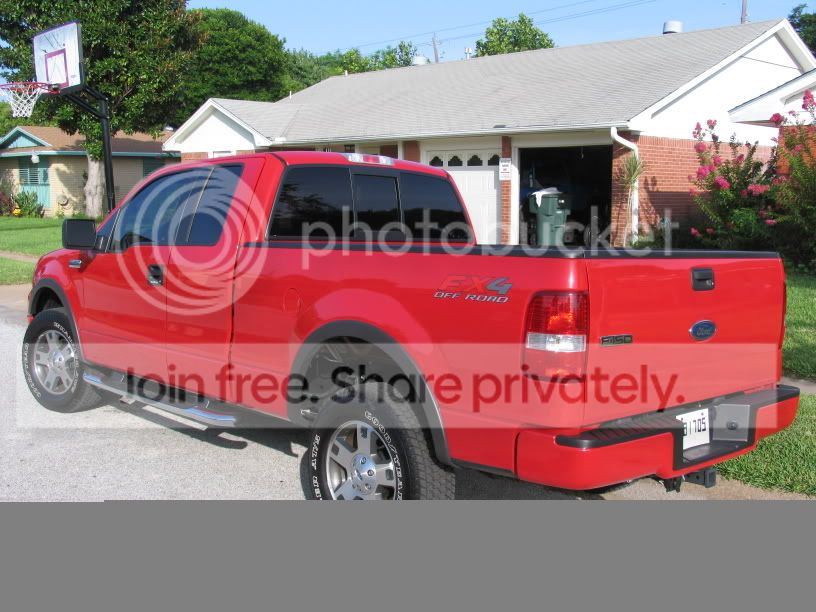
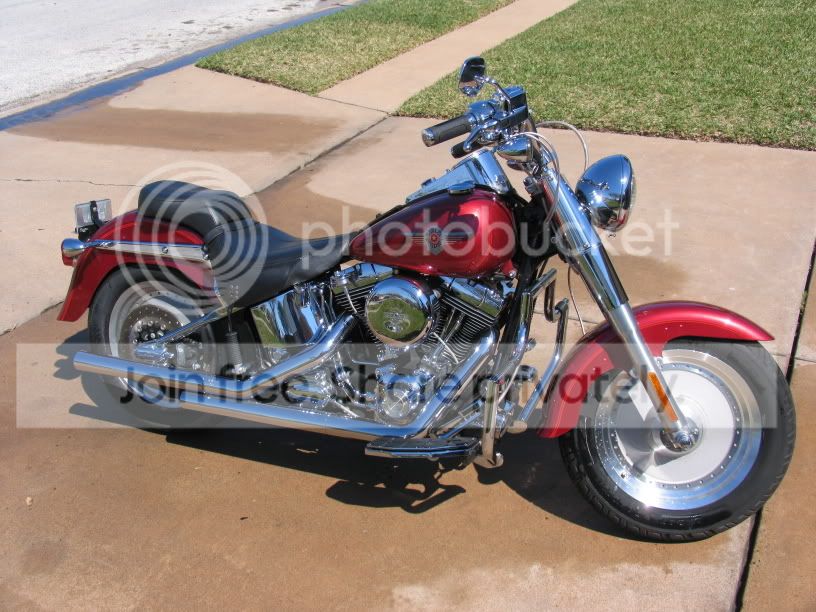
Here's a couple of samples from my account.
To post a decent pic, you need a place to host it....
Go to photobucket.com and creat an account. It's free, and they wont spam you. Just follow the directions. After you create an account, up-load whatever pic's you want from your computer (normally in the "my pictures file). Again, the instruction's will explain this in greater detail.
After your done up-loading, right click on the pic, find the address, copy the address, then paste the address (this web-site for example). Once the address is pasted, you'll still need to add image tags. They will look like this................[img]addressgoeshere[/img] <-------Note the IMG tages and forward slash at the end.
Are you confusied yet? PM me, I'll walk you though it.
Here's a couple of samples from my account.
Thread Starter
|
Senior Member
Joined: Feb 2006
Posts: 3,762
Likes: 0
From: Windsor, Ont.
Nice examples, a man with good taste no doubt. Thanks for the 411, I'll try it out. I got as far as posting in my gallery on this site, so I'm getting there.
Trending Topics
Senior Member
Joined: Jul 2004
Posts: 621
Likes: 1
From: SoCal & Lake Havasu, AZ
Originally Posted by desparado
Once the pic is in your gallery, open the picture from your gallery. On the bottom you will see a link called "forum codes" Click that and it will give you a link, big or little. Copy that and paste it into your thread or reply!

Thread Starter
|
Senior Member
Joined: Feb 2006
Posts: 3,762
Likes: 0
From: Windsor, Ont.
Desperado, great song (eagles) and also a helpful member. Not to say the others weren't but his way worked for me. I think I was gonna try it before, but didn't have the gallery now I do and it works. Check it out on the page I did with asking for efan tips for installation. Thanks again!
Senior Member
Joined: Jul 2004
Posts: 621
Likes: 1
From: SoCal & Lake Havasu, AZ
Thanks! Also done by Linda Rondstat at about the same time! I had to miss spell it (should be desperado) when I signed up, it was taken! Have fun posting pics. Tip, set up the little camera in your mini profile that shows up in your postings. It is a direct link to your gallery.

Senior Member
Joined: Jul 2004
Posts: 621
Likes: 1
From: SoCal & Lake Havasu, AZ
Log into your gallery with your user name and password. At the top you will see a "?" Click on that. You will see a URL which is the traditional link to your gallery. You can paste this into your Signature. To get the little camera, copy the 4 digit number in the link. Go to USER CP. Edit profile. At the bottom it has a place to put that number. When you do that and save changes to your profile, it will make the little camera appear!
Cool, huh?
Cool, huh?