


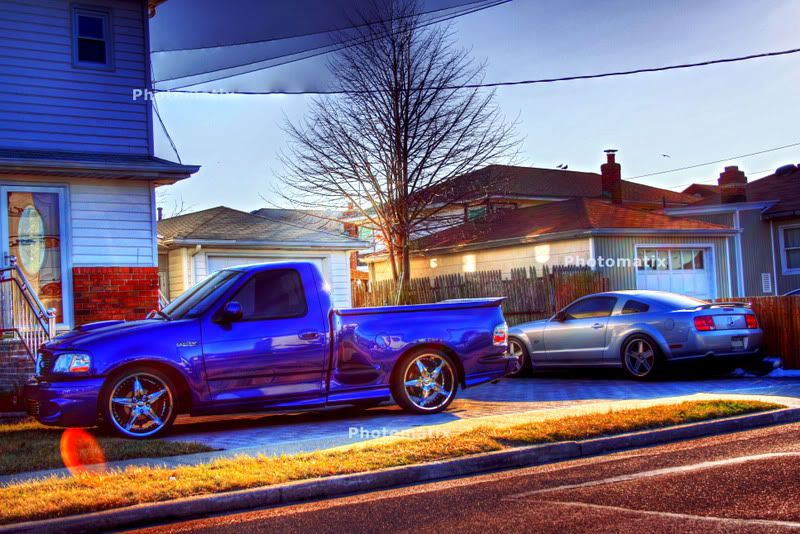
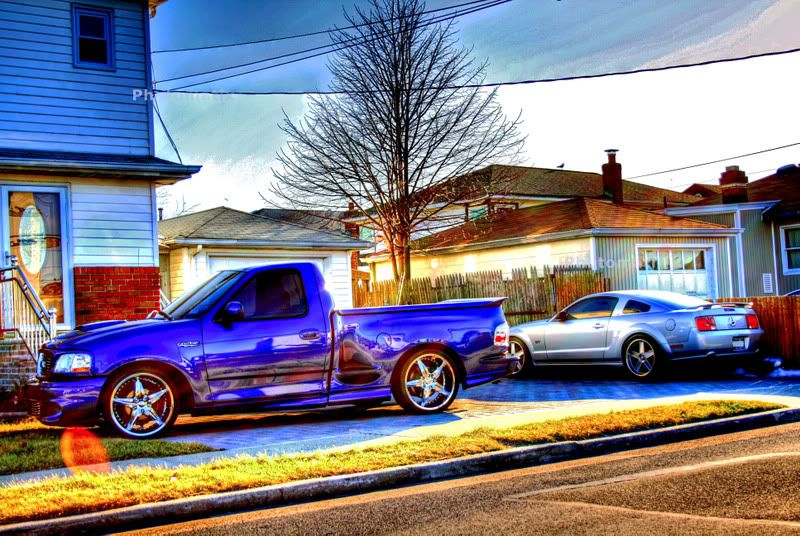
1st attempt at HDR shots


Senior Member
Joined: Mar 2000
Posts: 4,297
Likes: 0
From: Clifton, NJ, USA
Hmm, your blue levels seem to be really high...
What shutter speeds did you use? Any filters? (polarized? infrared?) I'm thinking your spread may be too far apart in the pieces you used to compose...
End up with something like this:

What shutter speeds did you use? Any filters? (polarized? infrared?) I'm thinking your spread may be too far apart in the pieces you used to compose...
End up with something like this:

Member
Joined: Mar 2003
Posts: 58
Likes: 0
From: NOVA
Originally Posted by thepawn
Hmm, your blue levels seem to be really high...
What shutter speeds did you use? Any filters? (polarized? infrared?) I'm thinking your spread may be too far apart in the pieces you used to compose...
End up with something like this:
What shutter speeds did you use? Any filters? (polarized? infrared?) I'm thinking your spread may be too far apart in the pieces you used to compose...
End up with something like this:
NOW that is a clean HRD


Thread Starter
|
Senior Member
Joined: Sep 2003
Posts: 2,454
Likes: 0
From: NY
not sure. used my friends digital slr and we just took one shot at every shutter speed, did not take anything else. the i was just playing around using different ones and trying. Obviously i have allot of work to do to get them to look like yours, which are sick. I used a bunch of different pics. I took probably 20 shots at different speeds and then combined randomly 3 to 7 of them. I am going to try and do it better tonight. what setting do you use? what do you mean by spread? like -2 to +2? what should i use?
Thanks
Thanks
Senior Member
Joined: Mar 2000
Posts: 4,297
Likes: 0
From: Clifton, NJ, USA
Make sure you turn off the othe auto-exposure settings your camera may have...
There's a great tutorial over here how to do it with a Canon EOS and Photoshop:
http://www.talkingtree.com/blog/inde...ake-HDR-images
http://www.cambridgeincolour.com/tut...amic-range.htm
-2 to +2 is good start.
There's a great tutorial over here how to do it with a Canon EOS and Photoshop:
http://www.talkingtree.com/blog/inde...ake-HDR-images
http://www.cambridgeincolour.com/tut...amic-range.htm
-2 to +2 is good start.

 I would love to be able to do that.
Thread Starter
|
Senior Member
Joined: Sep 2003
Posts: 2,454
Likes: 0
From: NY
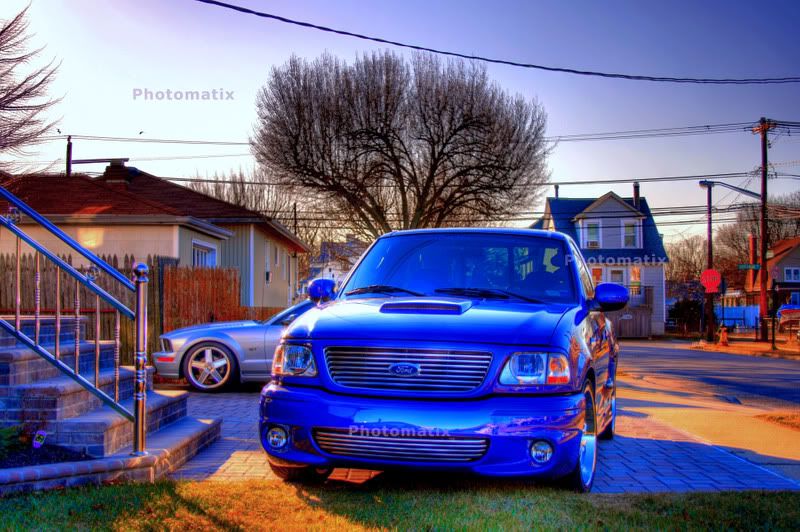
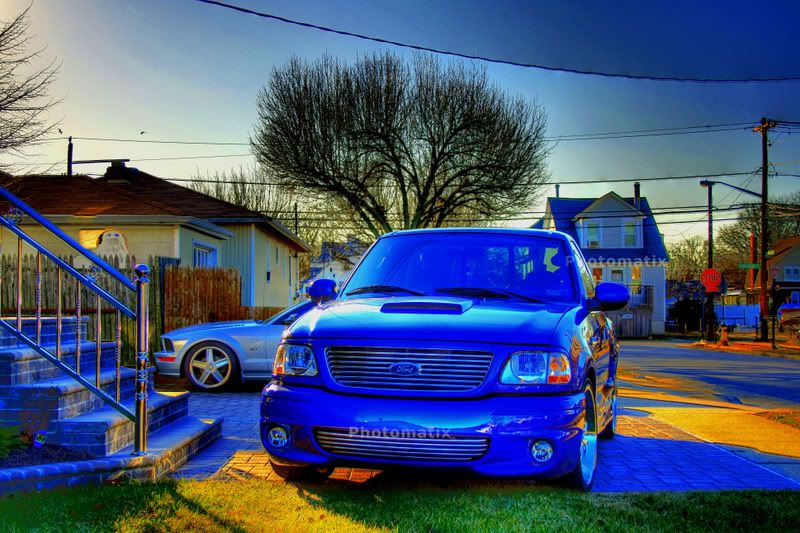
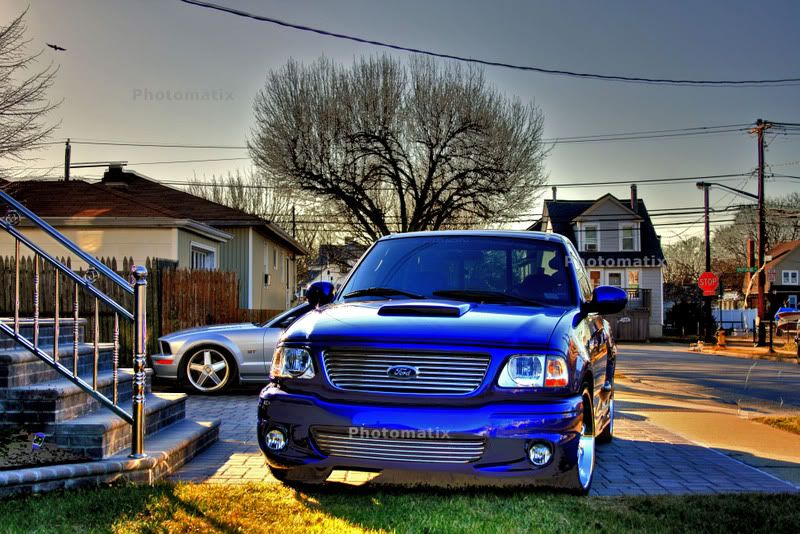
another attempt.
I am going to shoot some more this weekend and make sure the auto exposure is off.
I am going to shoot some more this weekend and make sure the auto exposure is off.
Trending Topics
Senior Member
Joined: Mar 2000
Posts: 4,297
Likes: 0
From: Clifton, NJ, USA
Originally Posted by halflife
another attempt.
I am going to shoot some more this weekend and make sure the auto exposure is off.
I am going to shoot some more this weekend and make sure the auto exposure is off.
Now that one is looking pretty good... they usually almost always need a little tweaking in photoshop aside from the merge itself.