2004 - 2008 F-150
Sponsored by:
Sponsored by: Real Truck

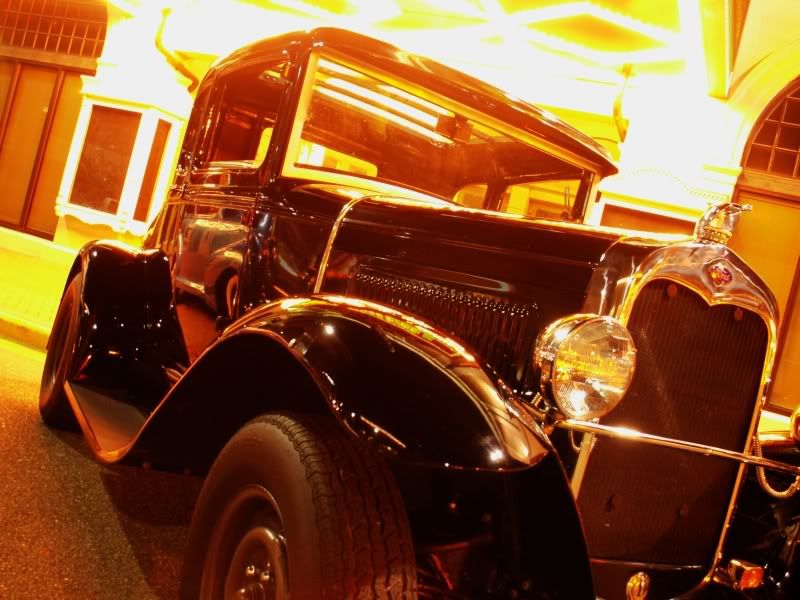
Couple tweaked photos.

Thread Tools
 
Search this Thread
 
Old Aug 18, 2009 | 11:17 PM
  #16  
Moltenice's Avatar
Thread Starter
|
Senior Member
Joined: Jul 2007
Posts: 487
Likes: 1
From: WA
Before


After
 
Reply
Old Aug 18, 2009 | 11:31 PM
  #17  
rednoved's Avatar
Senior Member
Joined: Apr 2008
Posts: 2,582
Likes: 1
From: Fort Worth, Texas
Those are awesome pictures. Very cool effect.
 
Reply
Old Aug 18, 2009 | 11:56 PM
  #18  
Fordfanatic101's Avatar
Senior Member
Joined: Jul 2008
Posts: 640
Likes: 2
From: San Diego CA
those are some awesome effects
 
Reply
Old Aug 18, 2009 | 11:57 PM
  #19  
se7en's Avatar
Senior Member
Joined: Jul 2009
Posts: 100
Likes: 0
From: Montgomery, AL
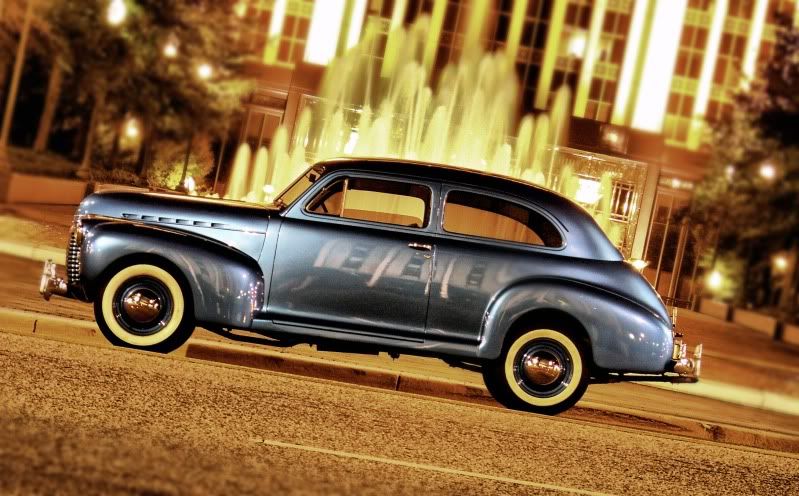
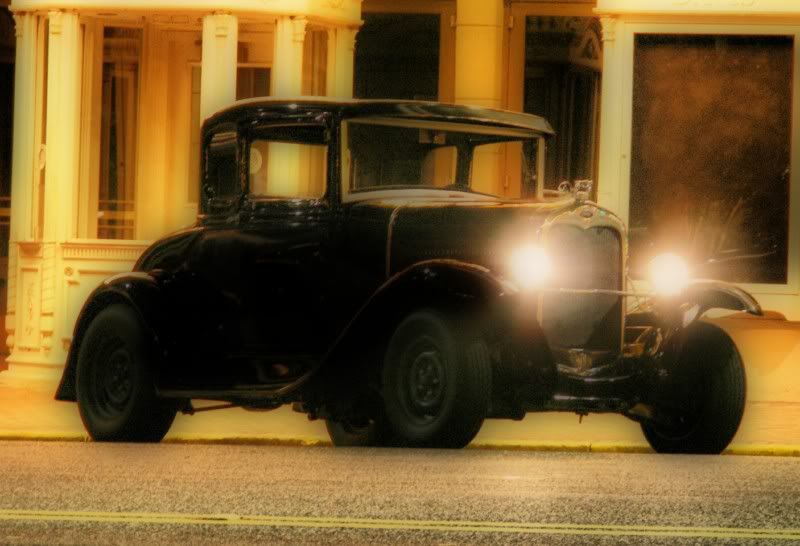
Here are a few i took a few weekends ago..


Reply
Old Aug 19, 2009 | 12:03 AM
  #20  
thejake1989's Avatar
Technical Article Contributor
Joined: Feb 2008
Posts: 8,673
Likes: 0
From: Rosenberg/Baytown TX
those are some great looking pics dude. nice work
 
Reply
Old Aug 19, 2009 | 12:17 AM
  #21  
Moltenice's Avatar
Thread Starter
|
Senior Member
Joined: Jul 2007
Posts: 487
Likes: 1
From: WA
Cool ideas and rides.
Do you have any noise reduction software?

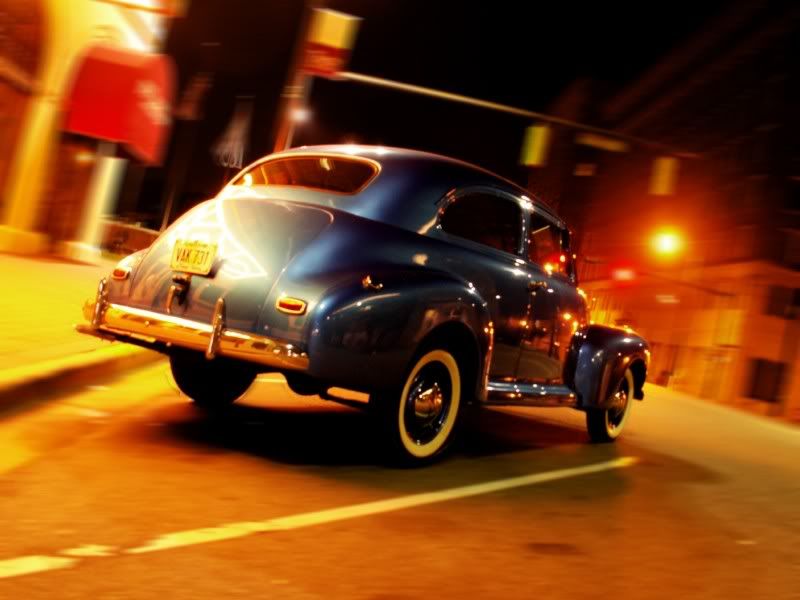
Would you mind if I played with the photo of the 3rd car?
 
Reply
Old Aug 19, 2009 | 12:26 AM
  #22  
se7en's Avatar
Senior Member
Joined: Jul 2009
Posts: 100
Likes: 0
From: Montgomery, AL
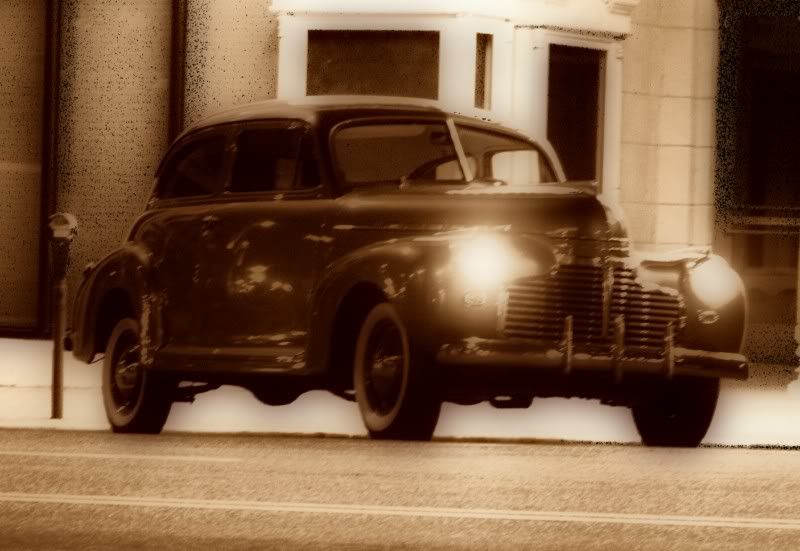
yeah i have noise reduction i thought the noise gave it the "old" look go aheah mess with what ever ones you want... heres a few more


Reply
Old Aug 19, 2009 | 12:28 AM
  #23  
Moltenice's Avatar
Thread Starter
|
Senior Member
Joined: Jul 2007
Posts: 487
Likes: 1
From: WA
Thanks for all the positive comments.

I can try and edit a photos for people if they have an idea of what they want. I mean I can just clean it up, reduce noise, add detail, fix white balance, etc etc really quickly.

Or I can make it crazy looking like some of mine even easier.
 
Reply
Old Aug 19, 2009 | 12:30 AM
  #24  
Moltenice's Avatar
Thread Starter
|
Senior Member
Joined: Jul 2007
Posts: 487
Likes: 1
From: WA
se7en... yeah it did give it an older look, it's a good shot and an awesome subject to shoot.

How did you shoot that 4th (blue car)?
 
Reply
Old Aug 19, 2009 | 12:38 AM
  #25  
Moltenice's Avatar
Thread Starter
|
Senior Member
Joined: Jul 2007
Posts: 487
Likes: 1
From: WA
here is a twist on it. Probably the complete opposite of the direction you wanted to go with it, but I got carried away hahah
 

Last edited by Moltenice; Aug 19, 2009 at 12:40 AM.
Reply
Old Aug 19, 2009 | 12:38 AM
  #26  
se7en's Avatar
Senior Member
Joined: Jul 2009
Posts: 100
Likes: 0
From: Montgomery, AL
these were my first attempt at hdr photos... the first and the second ones are true 3 image hdr used photomatrix/lucisart and re dynamix
 
Reply
Old Aug 19, 2009 | 12:52 AM
  #27  
Moltenice's Avatar
Thread Starter
|
Senior Member
Joined: Jul 2007
Posts: 487
Likes: 1
From: WA
Those are real good programs to use. LucisArt 3 is pretty expensive for just the plug in.
What kind of camera were you using and how did you set up the camera to take the HDR shots??
IE Exposure bracket -2/+2 EV?
 
Reply
Old Aug 19, 2009 | 12:56 AM
  #28  
se7en's Avatar
Senior Member
Joined: Jul 2009
Posts: 100
Likes: 0
From: Montgomery, AL
its its just a minolta z6 nothing special almost a point and shoot camera.. had it on bracketing -5/+5
 
Reply
Old Aug 19, 2009 | 12:59 AM
  #29  
Moltenice's Avatar
Thread Starter
|
Senior Member
Joined: Jul 2007
Posts: 487
Likes: 1
From: WA
Cool.. The bracketing is the key.
My D60 didnt have bracketing, which sucked.


I Kinda like the B/W on this photo...
 
Reply
Old Aug 19, 2009 | 02:33 AM
  #30  
tjstrike's Avatar
Senior Member
Joined: Dec 2005
Posts: 236
Likes: 0
From: Athens, Tennessee
Nice pics dude, truck looks really nice !!
 
Reply


All times are GMT -4. The time now is 02:46 AM.