Official Lowered 4x4 thread


Thread Starter
|
Senior Member
Joined: Jan 2008
Posts: 2,934
Likes: 2
From: Houston
for the rear you could do
1. 2-3" hangers
2. lowering leaf springs
3. flip kit with stock shackles

Senior Member
Joined: Sep 2009
Posts: 3,031
Likes: 45
From: The Shenandoah Valley

See here: .... https://www.f150online.com/forums/te...-pictures.html
It is really simple.
First however, resize the protos you want to upload to somewhere between 400-900 pixels wide and save them under "save as" in a folder and make some change in the pic name from original so you keep the orioginal larger pic if desired before uploading them.
You could establish a Photobucket.com albums, and sub albums if desired. I have a grouping, all mine are "private". Upload them there. Select the pic you want, you'll see 4 choices of links below that pic. You want one that starts [IMG] and ends [/IMG]. Post that here.
The difference between https://www.f150online.com/forums/me...2-100-0458.jpg and

is simply the addition of those IMG tags. I stole the link from your pics by selecting a picture ... and then right clicking on it ... and selecting properties ... and copy / pasting here and adding the IMG tags.
You can type the [IMG] and [/IMG] tags in ... or simply use the picture thing above tthat looks like a picture of a mountain and paste the link in that box and it'll do it for you ....
I added a "space" between the G and the ] in the first tag so it would show below.
[IMG ]https://www.f150online.com/forums/members/worm5932-albums-truck+pictures-picture175052-100-0458.jpg[/IMG]
If you had pics in Photobucket, among those chopices are the link to the photo, and then the same with IMG tags already attached.

It is really simple.
First however, resize the protos you want to upload to somewhere between 400-900 pixels wide and save them under "save as" in a folder and make some change in the pic name from original so you keep the orioginal larger pic if desired before uploading them.
You could establish a Photobucket.com albums, and sub albums if desired. I have a grouping, all mine are "private". Upload them there. Select the pic you want, you'll see 4 choices of links below that pic. You want one that starts [IMG] and ends [/IMG]. Post that here.
The difference between https://www.f150online.com/forums/me...2-100-0458.jpg and
is simply the addition of those IMG tags. I stole the link from your pics by selecting a picture ... and then right clicking on it ... and selecting properties ... and copy / pasting here and adding the IMG tags.
You can type the [IMG] and [/IMG] tags in ... or simply use the picture thing above tthat looks like a picture of a mountain and paste the link in that box and it'll do it for you ....
I added a "space" between the G and the ] in the first tag so it would show below.
[IMG ]https://www.f150online.com/forums/members/worm5932-albums-truck+pictures-picture175052-100-0458.jpg[/IMG]
If you had pics in Photobucket, among those chopices are the link to the photo, and then the same with IMG tags already attached.
Senior Member
Joined: Sep 2009
Posts: 3,031
Likes: 45
From: The Shenandoah Valley
I see Coobies posted them for you while I was playing with Links and watching TV .....  .
.
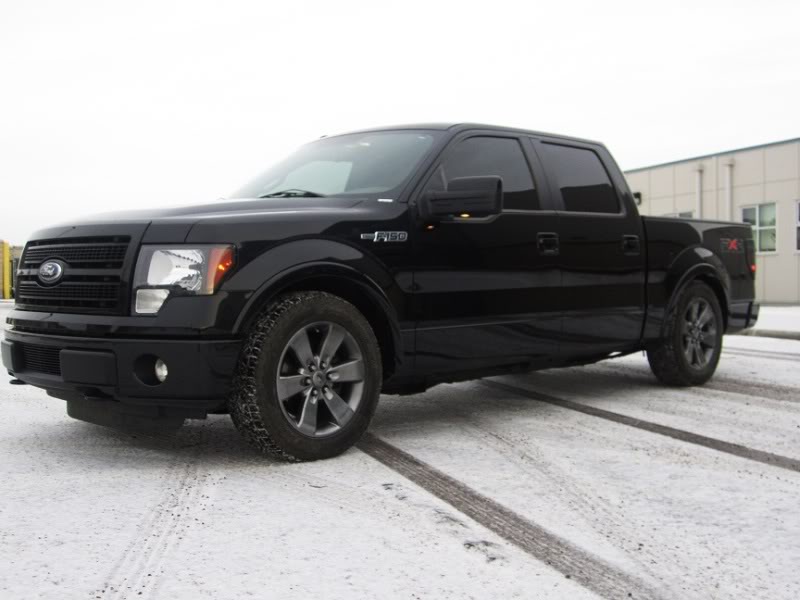
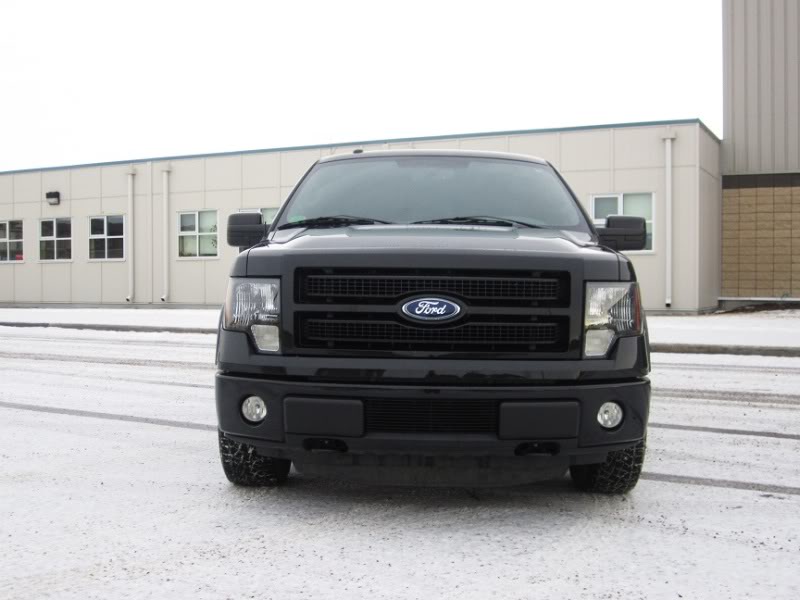
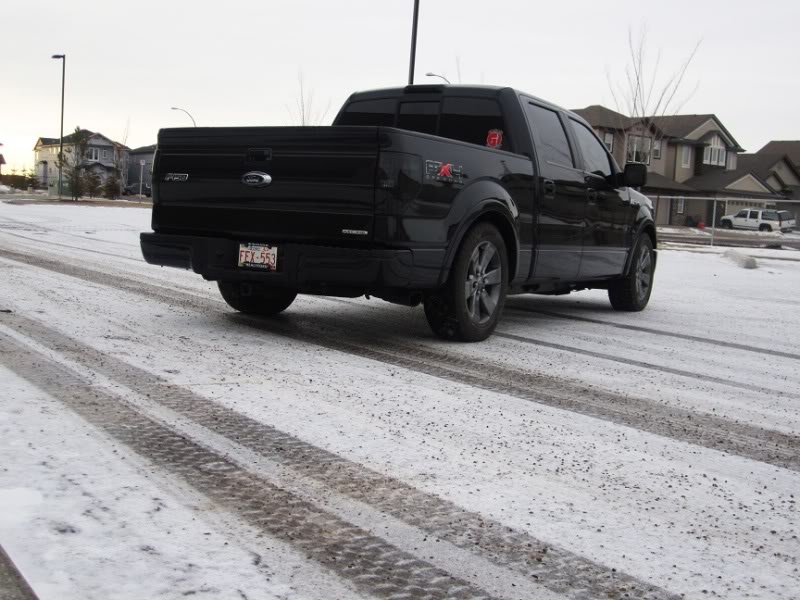
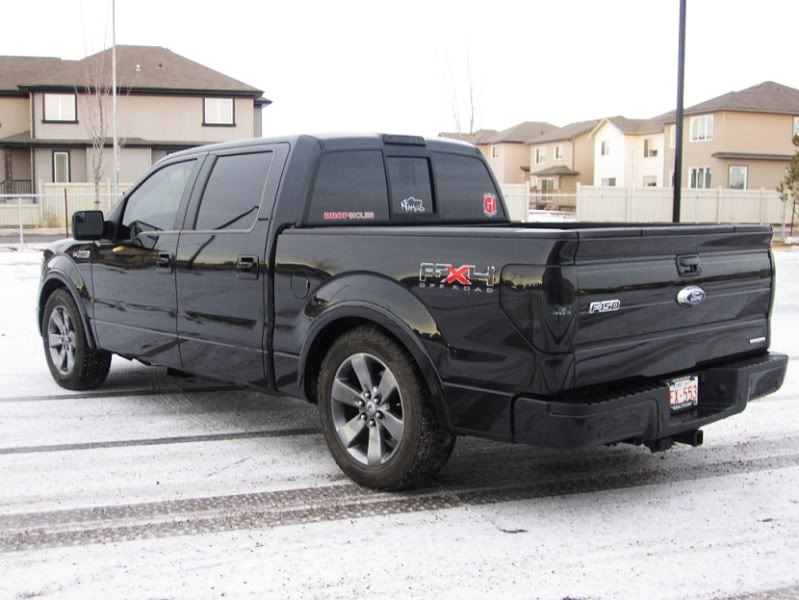
Nice Truck!
Have you added spacers to the rear wheels? Looks great, I like the stance, they just look "spaced out" some!
. Nice Truck!
Have you added spacers to the rear wheels? Looks great, I like the stance, they just look "spaced out" some!
Last edited by tbear853; Jan 2, 2012 at 01:04 PM.


Thread Starter
|
Senior Member
Joined: Jan 2008
Posts: 2,934
Likes: 2
From: Houston
yeah, not too sure if it is or not, looks great though!