


Pioneer Avh-p4000dvd 2 Din Dvd Player Install Pics


Senior Member
Joined: Dec 2006
Posts: 881
Likes: 0
From: Tuscaloosa, AL
Can you be a little more specific as to what you did? I REALLY want to change the background.

Thread Starter
|
Member
Joined: Mar 2008
Posts: 38
Likes: 0
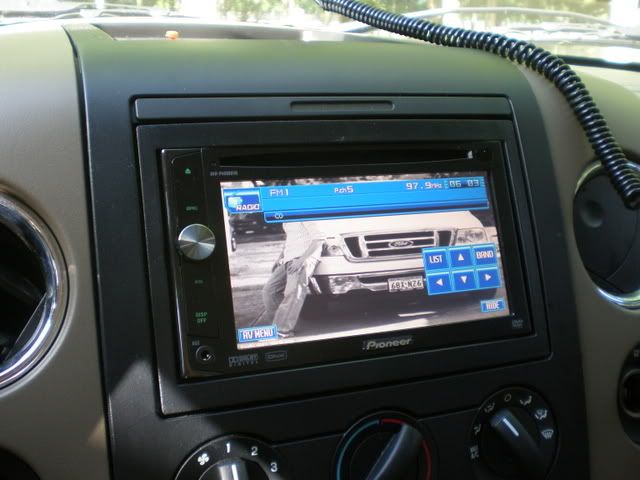
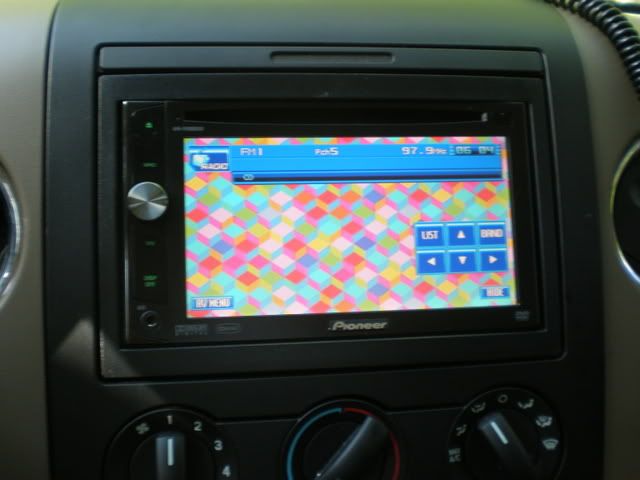
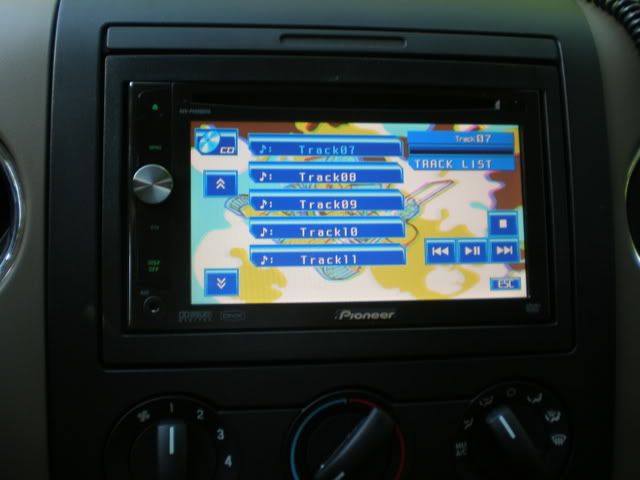
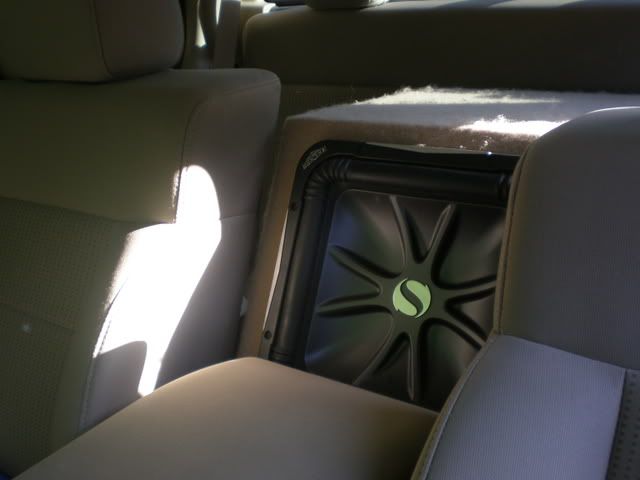
ok its kind of ghetto and not a built in feature but if you have something that can output video there is an option on the background to display av or video, just choose that and hook something up that outputs video, in my case my zune music player that i use for music and as my background.
Last edited by sotexpb; May 26, 2008 at 07:58 PM.


Member
Joined: Oct 2005
Posts: 99
Likes: 0
From: Louisville,Ky
I have a SanDisk 1GB USB Flash Drive plugged in at the moment. As soon as I plugged in, the player recognized it and started to play. I have about 250 songs on it. The next step is to try and change the back ground on it.


Junior Member
Joined: Jun 2008
Posts: 3
Likes: 0
ok its kind of ghetto and not a built in feature but if you have something that can output video there is an option on the background to display av or video, just choose that and hook something up that outputs video, in my case my zune music player that i use for music and as my background.
I am having a hard time figureing out what you did. Pioneer customer support is worthless. Did you plug your Zune into the USB port or into the AV inputs in the back? Did you put any special folder on your Zune? Did you have to turn your Zune on and open the picture on the Zune for it to work? In the screen where you select what you want on the P4000, what does it looks like (i.e. the settings)?
You are the first person after countless hours of searching that I have seen who has figured out how to change the background picture. If you could provide some details and the steps you take I would be very appreciative.
Thanks,
Dace
Junior Member
Joined: Jun 2008
Posts: 3
Likes: 0
ok its kind of ghetto and not a built in feature but if you have something that can output video there is an option on the background to display av or video, just choose that and hook something up that outputs video, in my case my zune music player that i use for music and as my background.
I am having a hard time figureing out what you did. Pioneer customer support is worthless. Did you plug your Zune into the USB port or into the AV inputs in the back? Did you put any special folder on your Zune? Did you have to turn your Zune on and open the picture on the Zune for it to work? In the screen where you select what you want on the P4000, what does it looks like (i.e. the settings)?
You are the first person after countless hours of searching that I have seen who has figured out how to change the background picture. If you could provide some details and the steps you take I would be very appreciative.
Thanks,
Dace
